Picture-in-Picture on Web
The Picture-in-Picture (PiP) feature allows you to create a floating player. This is commonly used to let the video remain playing on screen even if:
- The user scrolls to another section of the page (causing the original player to no longer be visible).
- The user sends the application to the background.
- The user opens a new page within the same application.
THEOplayer distinguishes two flavors of Picture-in-Picture:
- With in-app Picture-in-Picture, the visibility of the PiP window is contained to the inside of the app. In other words, it goes to background and foreground together with the application.
- With out-of-app Picture-in-Picture, the visibility of the PiP window is not contained to the inside of the app. It can remain visible while the user navigates to other views, pages or apps.
Picture-in-Picture is a presentation mode of the player.
As such, you can listen for a presentationmodechange event, or read the player's presentation mode,
to find out what the presentation mode is at a given moment or to detect a change.
The Web SDK supports in-app Picture-in-Picture. Out-of-app Picture-in-Picture is not supported.
Usage
Picture-in-Picture is enabled as soon as the player configuration contains a pip configuration,
so there is no need for any additional code to enable it.
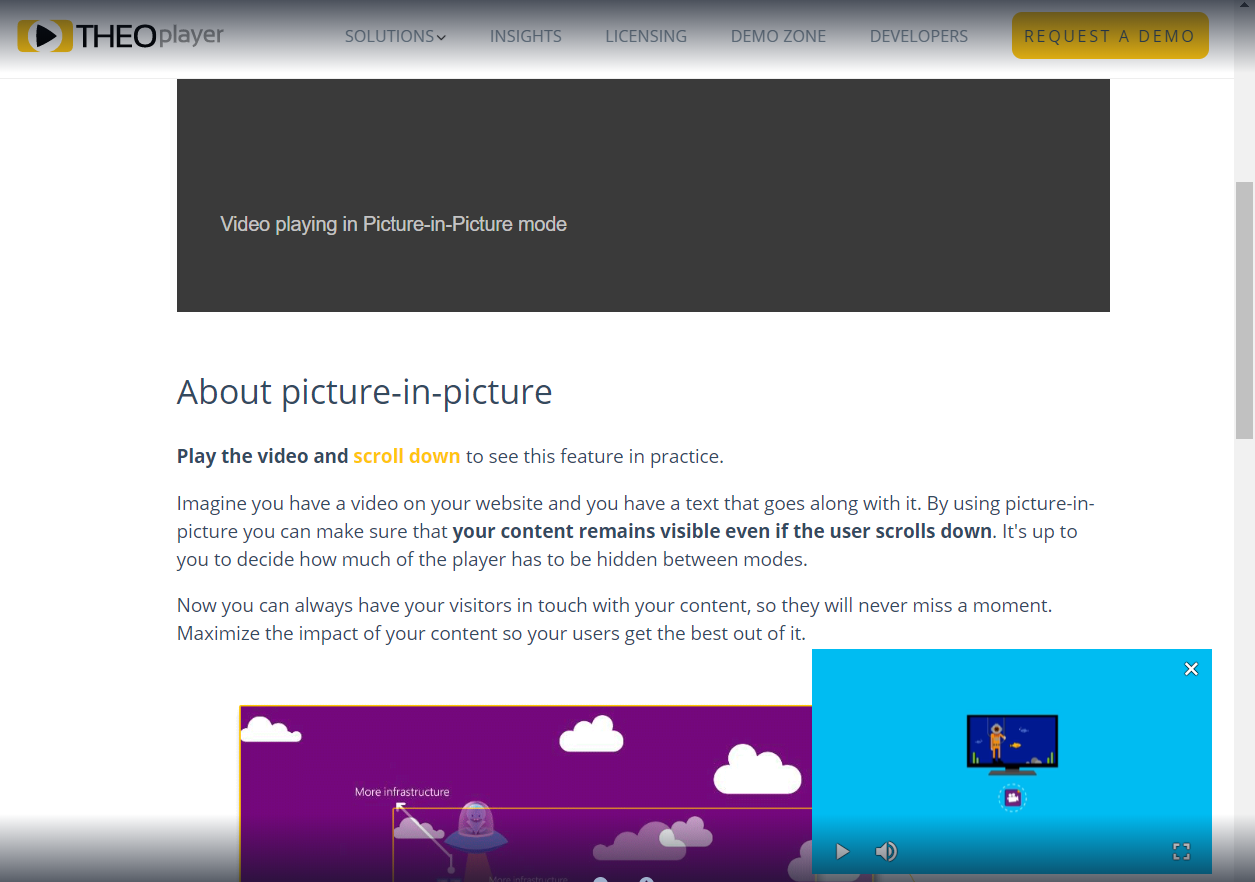
The PiP configuration has three properties:
-
position: (optional, possible values:"top-left","top-right","bottom-left","bottom-right")
The corner in which the player should be shown while in PiP mode. Defaults to the bottom right corner. -
visibility: (optional, a number from 0 to 1)
The maximum percentage of the original player position that should be visible to enable PiP automatically. If not configured, PiP can only be turned on by setting presentationMode to"picture-in-picture". -
retainPresentationModeOnSourceChange: (optional,trueorfalse)
If set totrue, the previous presentationMode is retained even as the source changes. It is set tofalseby default.
const playerConfig = {
  /* ... */
  pip: {
    visibility: 0.7,
    position: 'bottom-left',
    retainPresentationModeOnSourceChange: true,
  },
};
Remarks
- Support for native Picture-in-Picture (i.e. where the player is draggable) is experimental. While support is widely adopted, the feature is most notably not supported by Firefox.
Resources
- PiPConfiguration API
- PlayerConfiguration API
- PresentationMode API
- Online demo: start the video and scroll down on the page to see PiP in action.